
Feature · Guests & visitors
Guest and visitor management for networking groups
Visitors are how a chapter grows. Ecoferral makes visiting easy, tells your board who's coming, and keeps every guest on the leader's list until they join.
A clear invitation to visit
Every chapter website has a Visit page that says plainly how and where the chapter meets: in person with the address and a map link, on Zoom, or both. Guests pick a meeting and get a confirmation with a calendar invite. Hybrid chapters ask whether they'll come in person or join on Zoom, so only Zoom guests get the link.
Your board knows who's coming
When a guest signs up on the website, a member invites one, or someone asking to join is invited to visit first, the leader and board members get a short note: who's coming, their business and category, who invited them, and a heads-up if their category is already taken. Leaders choose which board members hear about guests, and anyone can turn the emails off.
Members invite guests in a tap
Members invite a guest from their phone with the meeting details. The invite comes from the member and replies go to them, and members earn points for inviting. Guests who sign up on the website can reply to the chapter's own email address, never a member's private one.
From guest to member
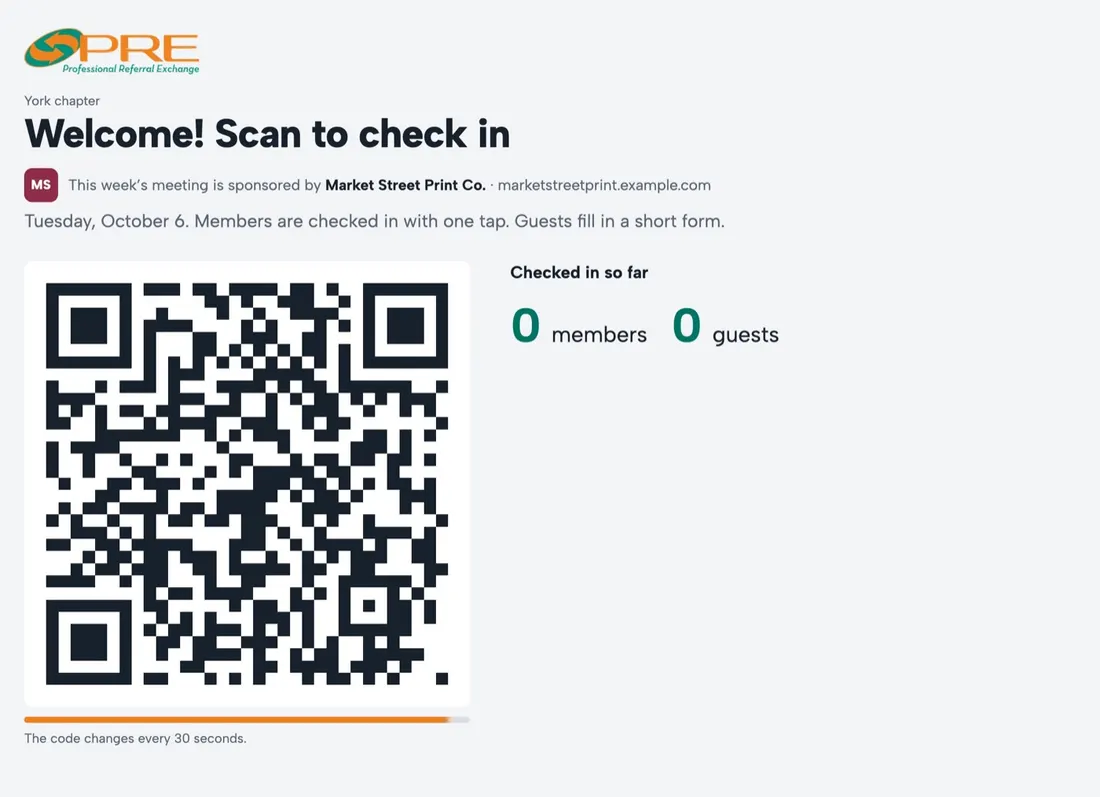
Guests check in at the meeting with a short form and land on the leader's guest list, and the leader invites them to join in one tap. Someone who asks to join can be invited to visit first, and their request shows when they visited before anyone approves it.
Questions
Do guests need an account?
No. Guests fill in a short form on the chapter website or at the meeting.
Can a chapter meet on Zoom, or both?
Yes. Each chapter chooses in person, Zoom or both. The Visit page, confirmations and emails say which, and only guests joining on Zoom get the link.
Who gets the guest emails?
The chapter leader and board members. Leaders can untick "Hears about guests" for any board seat, and each person can turn the emails off in their profile.