
Your profile and what others see
Your business listing, who makes a great referral for you, and what the public directory shows.
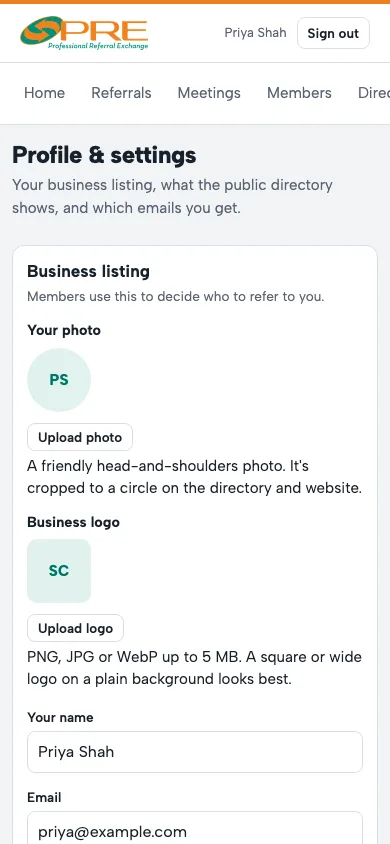
- In Profile & settings, fill in your business listing: what you do in one line, your phone, website and town, plus your logo or photo.
- Great referrals for you is the most useful field: the kinds of customers you want, like "first-time buyers". Members see it, and it shapes who the app suggests they refer to you.
- Public directory chooses what people outside the chapter see. Your name, business, category, description and town show when you're listed; phone, email, website and address are each your choice. Your chapter always sees your full details.
- Email notifications chooses which emails you get.
Passkeys let you sign in with Face ID, Touch ID or your phone instead of a code.
← All guides · Members: open Help in the portal