
Monthly chapter reports
Your chapter's referrals, closed business, attendance and 1-to-1s for any month, as a PDF or a summary for the group chat.
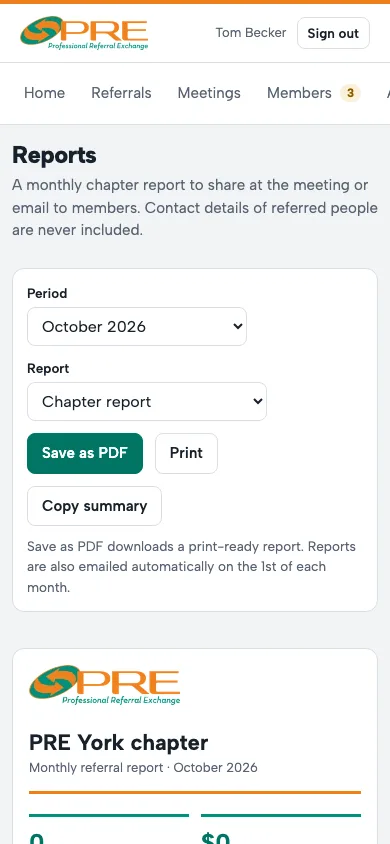
- Open Reports and choose the Period.
- Under Report, pick the chapter, or any member to run their personal report.
- Save as PDF to share it or print it for the meeting, or Copy summary for a one-paragraph version to paste into your group chat.
Reports never include the names or contact details of the people who were referred. On the 1st of each month, members get their own report by email and you get the chapter's.
← All guides · Members: open Help in the portal