
Check in at a meeting
Scan the QR code at the meeting: the first time takes a minute, after that one tap.
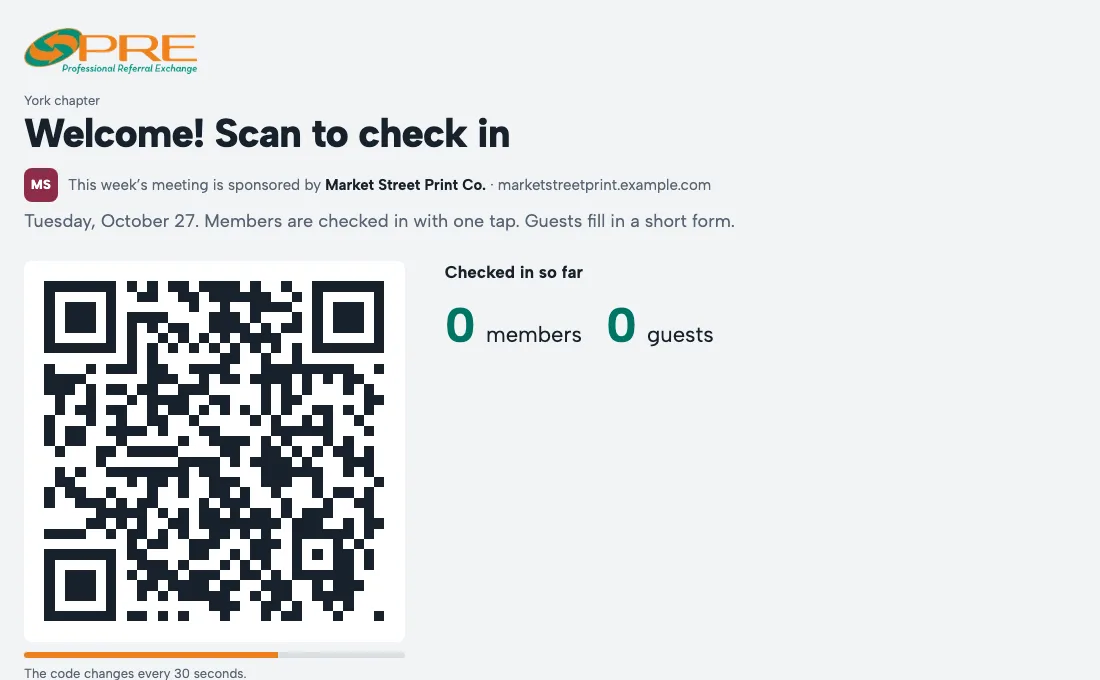
- At the meeting, point your phone's camera at the QR code on the screen or the printed sheet, and open the link.
- The first time, enter your email and the 6-digit code we send you. Your phone remembers you after that.
- Next time it's one tap, and your name shows on the screen.
Forgot to scan? For a few days after, Home asks Were you at the meeting? Tap I was there and your leader confirms it.
Coming next week? Tap I'm coming or Can't make it on Home so the chapter knows who to expect.
Questions
Why does the code keep changing?
It changes every 30 seconds, so a photo of it can't be used to check in from somewhere else.
← All guides · Members: open Help in the portal