
Chapter sponsors and sponsorships
Add a local sponsor, see where they're shown and how many people saw them, and sell sponsorships online.
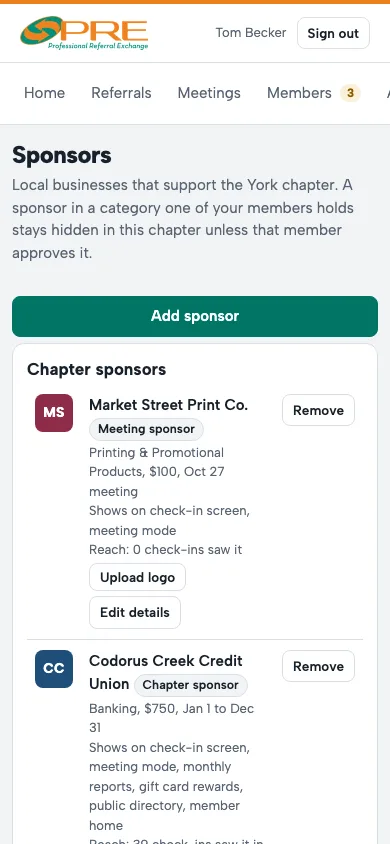
- On Sponsors, tap Add sponsor and choose the kind: a meeting sponsor for one meeting, or a chapter sponsor for a term.
- Each sponsor card shows where they appear (check-in screen, meeting mode, reports, the directory, members' home screens) and their reach: how many check-ins and views saw them.
- Sell sponsorships online: once your chapter's Stripe is connected, members can buy a Member Spotlight or sponsorship from their home screen and pay by card. You're told right away and can cancel with a full refund.
A sponsor in a category one of your members holds stays hidden in your chapter unless that member agrees. Network sponsors arranged by your organization show here too.
← All guides · Members: open Help in the portal